 TSAC


PHOTOS & VIDEOSKeep the moment.
Keep the moment.
Make it your own.
Bring selected photos and videos into your vault. Create albums so the moments you want are easy to find.
Keep photos, videos and documents in an encrypted vault on your iPhone. Open it with Face ID or your iPhone passcode.
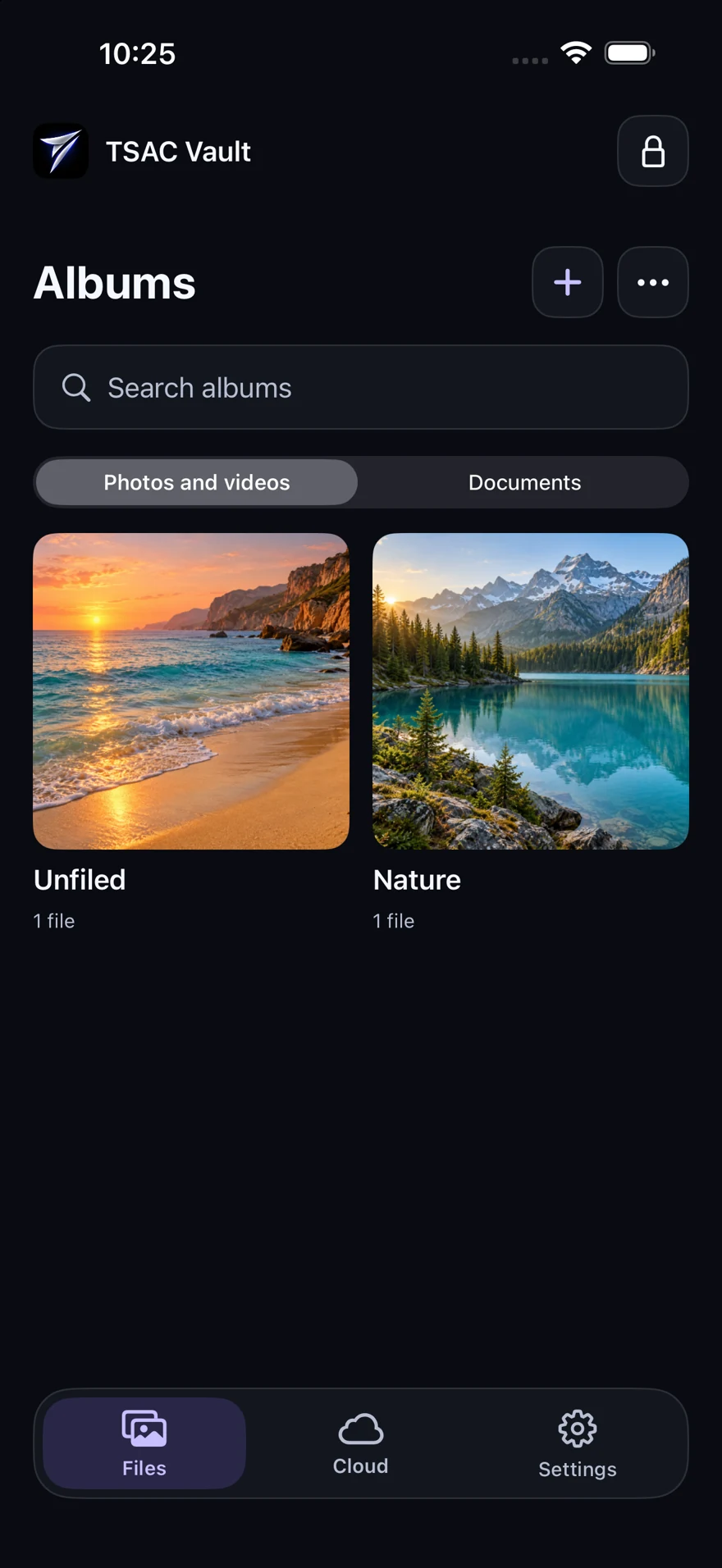
Actual app screens. Sample content.
The photos you love. The files you want close. Give them a place of their own, organized your way.
Bring selected photos and videos into your vault. Create albums so the moments you want are easy to find.
Keep documents alongside your memories, with a separate Documents view to find your files.
Use your vault locally, without creating a cloud account. Your files stay with you.
Illustrative sample content. Keep your originals until you have verified your copies.
Albums — actual app screen with sample content.
From the first unlock to your favorite album, a calm space for the things you choose to keep.
Organize your albums, view your photos and return to your vault with device authentication.
You choose what goes into your vault. TSAC Vault combines encrypted local storage with your iPhone’s authentication to help protect access to it.
Read our privacy policyVault content is encrypted locally. When you leave the app, access locks and requires authentication again.
Apple handles Face ID. TSAC Vault receives the authentication result, not your Face ID data or iPhone passcode.
Manual backup is available for existing accounts with assigned cloud capacity. Local use does not require a cloud account.
Open the App Store listing on your iPhone and tap Get. You can start a local vault without creating an account.
Version 1.0 offers free local use on your iPhone without a cloud account. Subscriptions and paid trials are not enabled in this release.
You can import selected photos, videos and documents. Version 1.0 supports files up to 15 MiB each. Document preview depends on the file type; you can export supported stored originals when a preview is unavailable.
No. Importing saves a separate encrypted copy in the vault. Keep your originals until you have opened and verified your imported copies and any backup you need.
Existing accounts with assigned capacity can manually back up and recover files. New cloud registration and automatic backup are not enabled in version 1.0. Check Cloud in the app for your account’s status and capacity. For recovery, keep your KIS1 code safe: resetting an account password does not replace it.
Visit our support page for app help, privacy requests and account deletion. You can also email support@tsacvault.com. Do not send passwords, recovery codes or private vault content.

Keep your photos, videos and documents in a free, encrypted vault on your iPhone.
Download on the App Store